

Gist
Voice memos to clean notes, 100% on your phone.
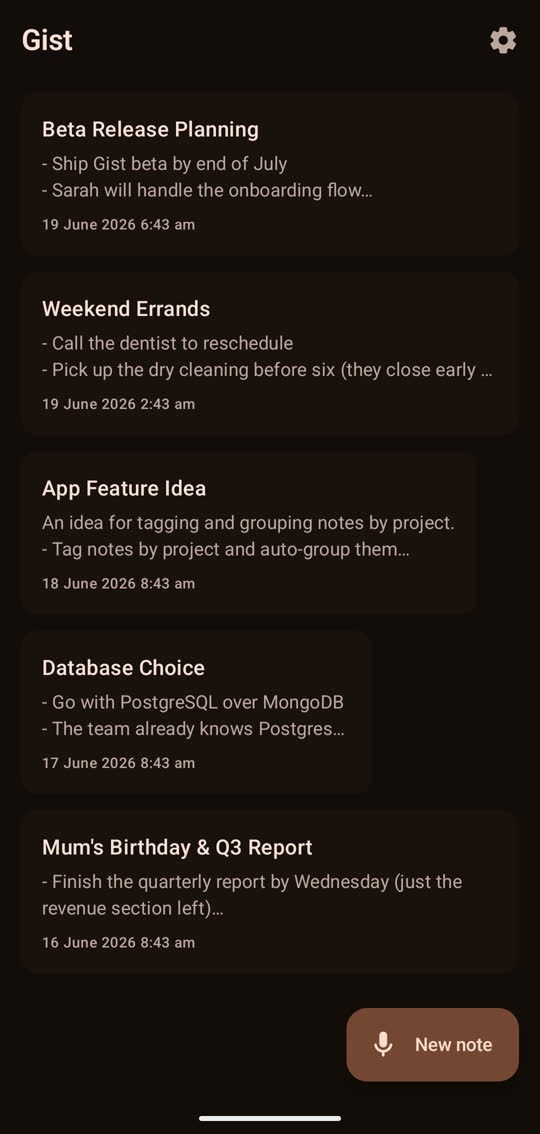
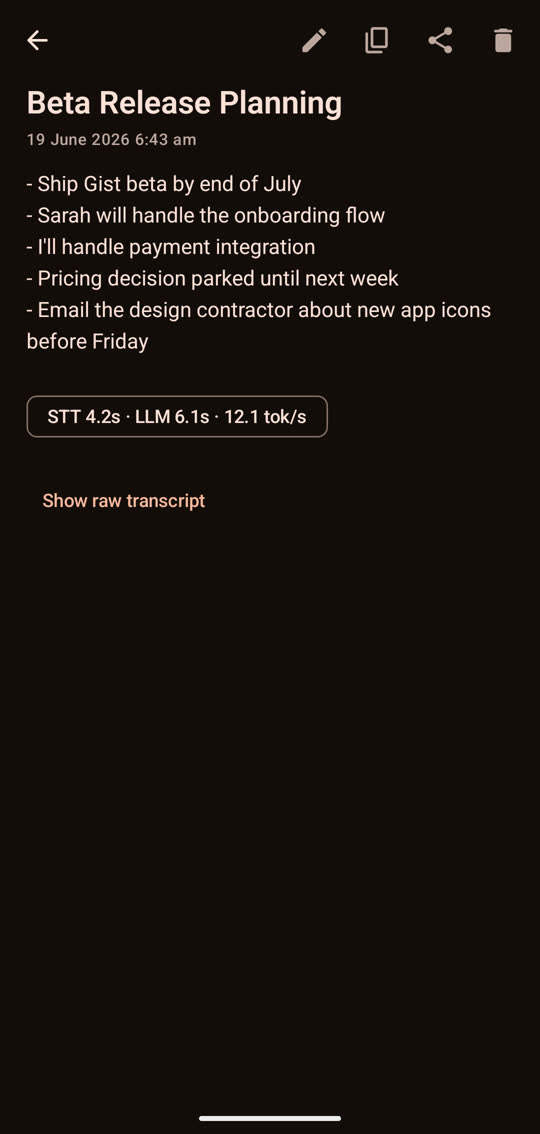

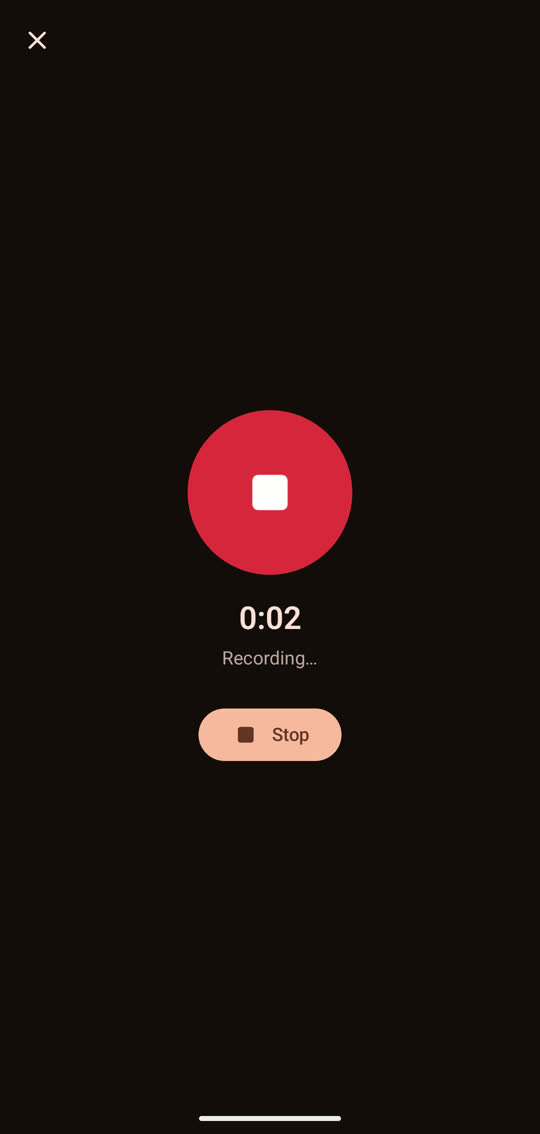
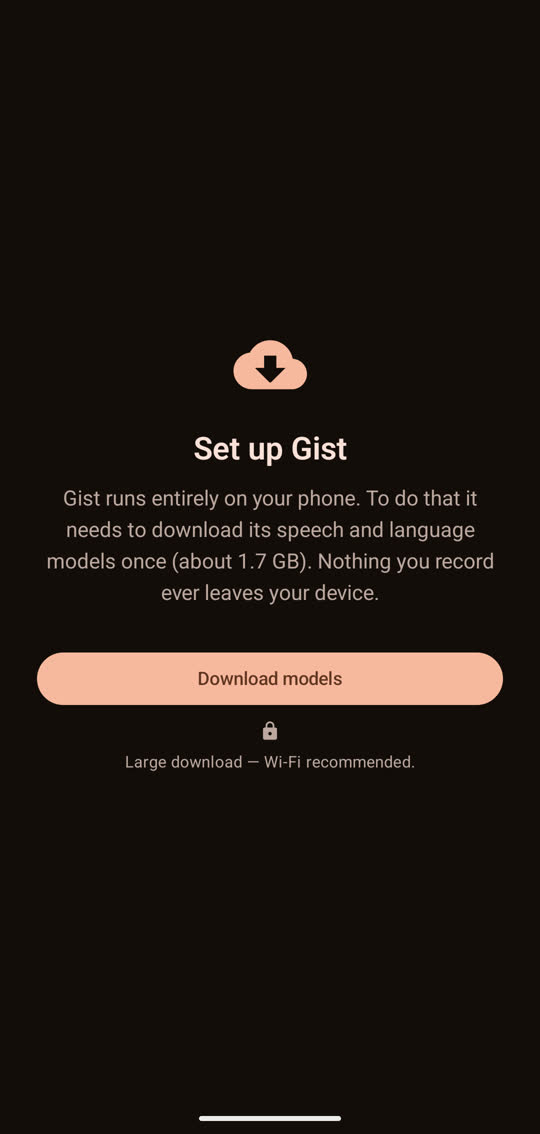
Swipe through →
Tap record, and talk.
Gist writes up what you said as a clean note — a clear title with your key points and action items pulled out as a list — ready to share to your notes app, email, or chat. The whole thing happens on your phone, so nothing you record is ever uploaded. After a one-time setup it works completely offline. Your thoughts stay yours.
- 100% on your phone — recording, transcription and note-writing all run on the device
- No account, no cloud, no tracking, no ads
- Works offline after a one-time setup download
- Faithful, not made up — it structures only what you actually said
- A clear title plus bullet points, ready for the share sheet
- Editable, with the raw transcript one tap away
Nothing leaves the device.
Everything runs locally — the speech-to-text and the on-device language model that writes your notes both work on the phone itself. The only time Gist touches the internet is a one-time download of those models when you first set it up. After that, your voice and your notes never leave the device. Read the full privacy policy →
Requirements
- Android 8.0 or newer (64-bit phone)
- About 2 GB free storage for the one-time setup download
- Wi-Fi recommended for that first-run setup
A few taps and you’re in.
Gist isn’t on the Play Store yet, so you install it directly:
- Tap Download. When your phone asks, choose to allow installs from your browser.
- Open the downloaded file and tap Install.
- Open Gist and follow the one-time setup. That’s it.
Free, early access · No account · Android 8+ · It’s also coming to Google Play.